Garage Door Opener Remote Not Working After Power Outage
North Texas storms are no stranger to rolling blackouts and sudden power surges. If you walked into your garage after the lights came back on only to find your garage door opener remote not working after a power outage, you are definitely not alone. This is one of the most common service calls we receive at McKinney Overhead Door, particularly after severe weather sweeps through Collin County.
The good news is that a non-responsive remote does not automatically mean your opener is broken. In many cases you can restore full function in under ten minutes with a few simple steps. This guide walks you through the most likely causes and the exact fixes to try before reaching for the phone.
Why a Power Outage Disrupts Your Garage Door Remote
Modern garage door openers rely on a small logic board that stores the encrypted rolling codes shared between your remote and the opener. When power is cut abruptly or, more importantly, when it returns with a voltage spike, that stored memory can be partially or fully erased. The opener essentially forgets which remotes it has authorized. Additionally, some openers have a built-in surge protector or internal fuse that trips during a power event to protect the motor and circuit board. Once tripped, the unit may power back on but the receiver that listens for your remote's signal stays offline.
Step 1: Confirm Power Has Fully Restored to the Unit
Before assuming the remote is the problem, verify the opener itself has power. Check that the outlet the opener is plugged into is live by testing a lamp or phone charger in the same socket. If the outlet is on a GFCI circuit, locate the nearest GFCI outlet in the garage or utility area and press the Reset button. Also inspect the opener's diagnostic LED or courtesy light. If neither lights up, the unit is not receiving power and you should address the outlet or circuit breaker first.
Step 2: Test the Wall Button
Press the hardwired wall button inside your garage. If the door operates normally from the wall button, you have confirmed the opener motor and logic board are functional and the issue is isolated to the remote's pairing. If the wall button also fails to trigger movement, the logic board itself may have been affected and you will need professional diagnostics.
Step 3: Replace or Check the Remote Battery
It sounds basic, but a power outage sometimes masks a coincidental battery failure. Swap in a fresh battery, making sure to match the voltage printed inside the battery compartment. In the hot North Texas summers, extreme heat in a parked car can degrade remote batteries faster than the national average, so keeping a spare set on hand is always a smart habit.
Step 4: Reprogram the Remote to the Opener
Locating the Learn Button
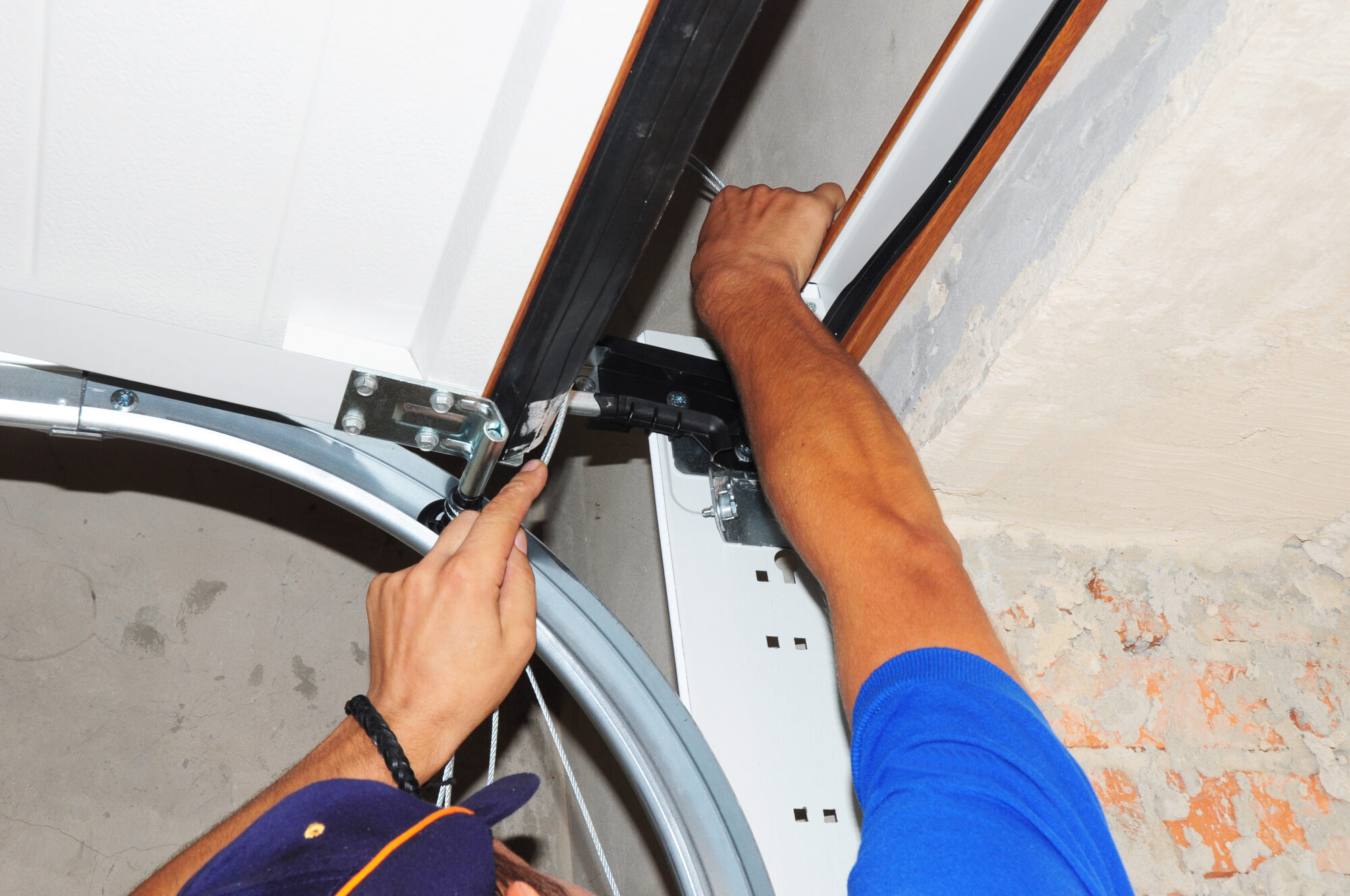
The most effective fix for a garage door opener remote not working after a power outage is to simply reprogram the remote. Find the Learn button on your opener's motor head unit, usually near the antenna wire. It is typically a small, colored button. The color often indicates the frequency and brand: yellow and orange are common on Chamberlain and LiftMaster units, while red or purple appear on older models. Consult your owner's manual if you cannot locate it.
The Reprogramming Process
Press and release the Learn button on the motor unit. You will typically have about 30 seconds to complete the next step. Within that window, press and hold the button on your remote that you want to program until the opener's light bulb flashes or you hear two clicks. That confirmation signal means the opener has accepted the new pairing. Test the remote from a normal operating distance. If you have a keypad outside your garage, repeat the programming process for that device as well since it uses the same pairing system.
Step 5: Check for a Lockout or Vacation Mode
Some openers automatically engage a lockout or vacation mode when they detect an irregular power event, disabling all wireless controls as a security measure. On LiftMaster and Chamberlain units, look for a lock button on the wall console. A solid LED next to the lock icon means wireless signals are being blocked. Press the lock button to toggle it off, then test your remote again.
What a Power Surge Can Do to Opener Electronics
McKinney and the broader Collin County area sit in a region prone to severe thunderstorms that produce fast-moving voltage spikes. A surge even a fraction of a second long can degrade or destroy the logic board's receiver circuit. If you have reprogrammed the remote and confirmed the wall button works but the remote still does not trigger the door, the RF receiver module is the most likely casualty. On many current openers, this module is a replaceable component, but diagnosing and sourcing the correct part requires familiarity with your specific opener brand and model.
When to Call McKinney Overhead Door
If you have worked through every step above and your garage door opener remote is still not working after the power outage, it is time to call in a professional. Damaged logic boards, blown fuses, and failed receiver modules are not DIY repairs for most homeowners, and attempting them without the right tools can void your opener's warranty. McKinney Overhead Door serves McKinney, Frisco, Allen, Prosper, and the surrounding Collin County communities with same-day service on opener repairs and replacements. Our technicians carry parts for the most popular brands including LiftMaster, Chamberlain, Genie, and Craftsman. Call us at (972) 222-2345 and we will get your opener back online fast.
Protect Your Opener From Future Power Surges
The best way to avoid repeat issues is to plug your garage door opener into a quality surge protector rated for at least 1,000 joules. A dedicated surge protector strips are inexpensive and available at most hardware stores. For whole-home protection, ask your electrician about a whole-house surge arrester installed at the main panel, which is particularly valuable in storm-prone North Texas. Taking this one preventive step can protect not just your opener but every appliance in your home.
Frequently asked questions
Need professional help?
Contact McKinney Overhead Door for fast, reliable service and a free estimate.